Say hello to my little friend – D1 mini pinout
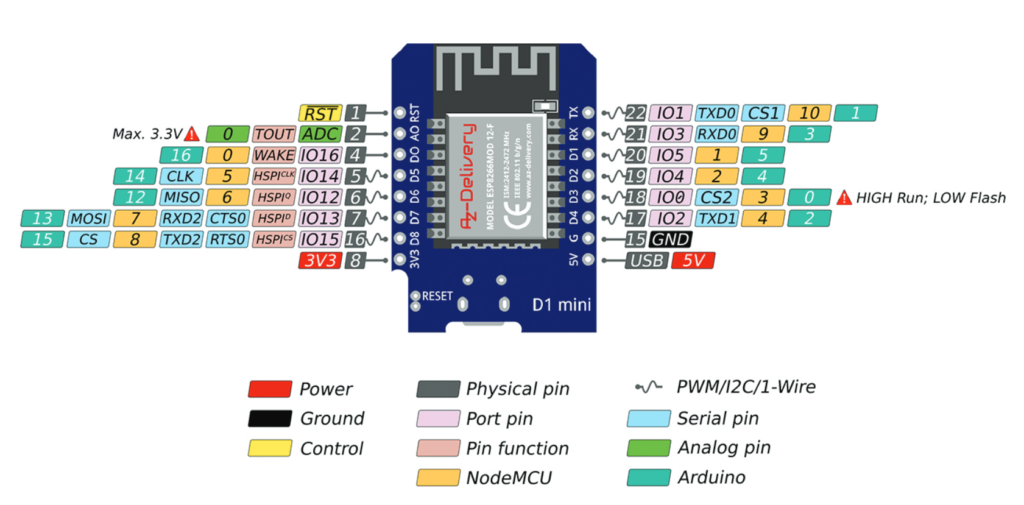
Thank you AZ-Delivery for this pinout! And thanks for best prices for this. They have got some really good offers here: https://amzn.eu/d/2ZqjALZ (no affiliate link)
The onboard LED is at GPIO 2.

Thank you AZ-Delivery for this pinout! And thanks for best prices for this. They have got some really good offers here: https://amzn.eu/d/2ZqjALZ (no affiliate link)
The onboard LED is at GPIO 2.
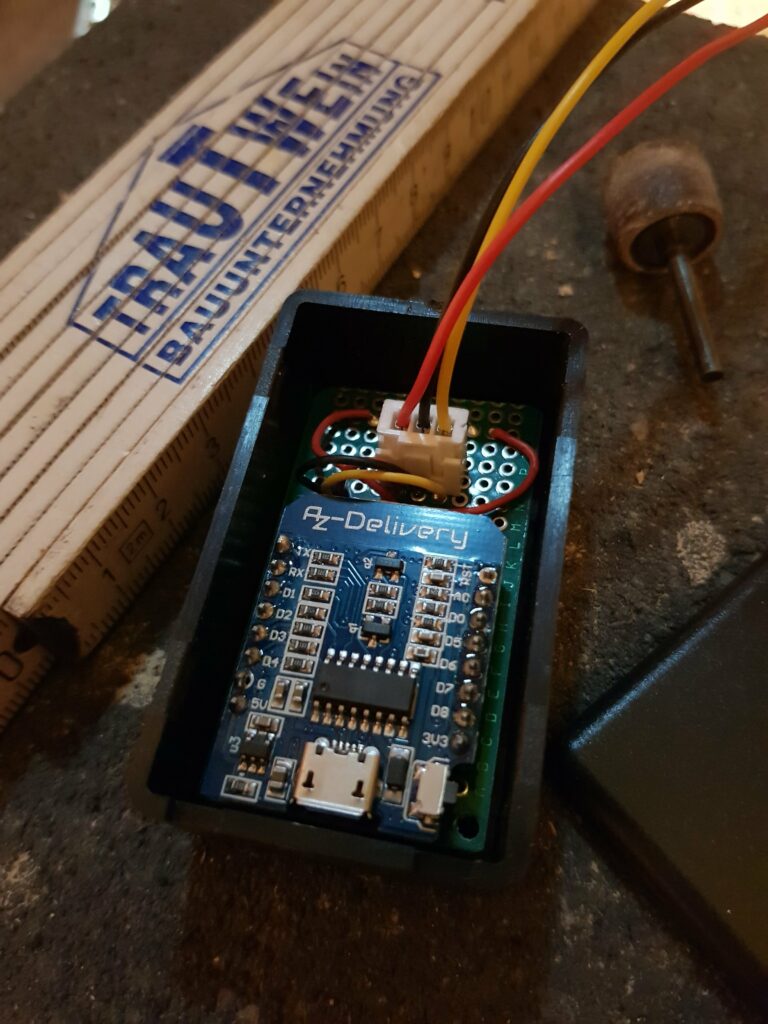
TLDR: An IoT sensor for temperature and humidity sending its values to a local MQTT server. Measuring interval and thresholding easy to configure. So much to write about a pretty small device and less than 100 lines of code including configuration, prints and comments. Hope you enjoy it! 🙂 I really like building and writing…

Great microcontroller, bought it at az-delivery.de (no ref link). The onboard LED pin is 2 (GPIO 4).

The pinout of Pi Pico and Pico W are the same. Just the onboard LED has changed. See below.
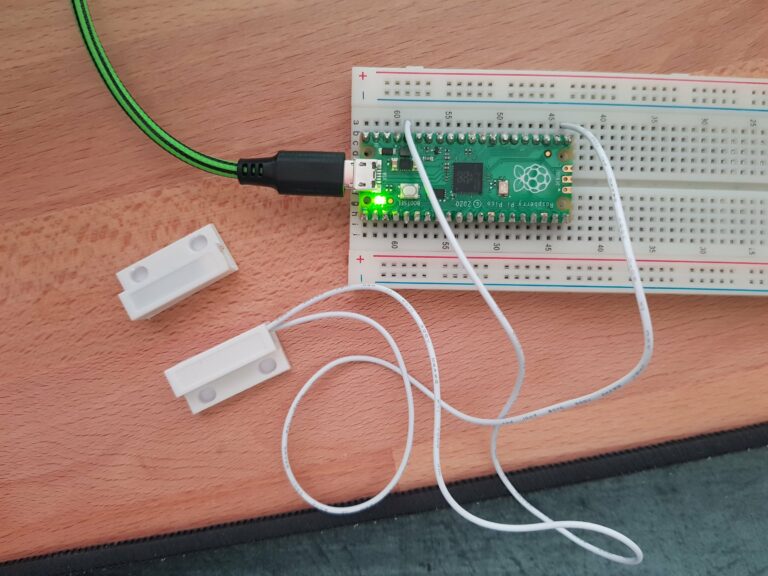
Jump to: Pico – D1 mini – Pi Zero Raspberry Pico A short Python implementation of a magnetic switch turning on a LED when it is not connected (e.g. window is opened). For simplicity reasons I used the builtin LED on the Pico. You have to use the pull=Pin.PULL_DOWN parameter for the input pin (sensor)….

As all the Raspberry Pis have the same pinout – here is a overview valid for all of them. Thank you pinout.xyz for your great service! The HDMI and USB ports are on the left, the SD card slot on top and the pins on the right.

Materials you need for this: LDRs (I am using 5528), breadboard, jumper wires, resistor (I used 56k) and a 5V power supply. The MicroPython code has been written for and tested on Pi Pico, Pi Pico W, D1 Mini and NodeMCU v3 ESP8266 .I bought it at berrybase.de and az-delivery.de (not referral links). The microcontrollers…